How to Install Subway Surfers Mod APK on Android — Complete Guide (2026)
Getting Subway Surfers Mod APK running on Android means sideloading it — installing an app from outside Google Play. The steps are short, but two things trip most people up: Android grants the install permission one app at a time, not with a single switch, and the certificate on this version differs from the Play Store version, which is what causes most install errors.

QUICK FACTS
TIME
2 to 3 Minutes
LEVEL
Beginner-friendly
PLATFORMS
Android · PC · iOS
MAIN BLOCKERS
Signature conflict · Play Protect
STORAGE
500 MB free minimum
What Do You Need Before You Install?
You need free storage for the APK, an Android version that meets the current build’s minimum, and the official game backed up if you want to keep it.
Storage
Room for the downloaded APK plus the installed game.
Android Version
The minimum changes per release; Subway Surfers Mod APK lists the current version and minimum Android requirement, not repeated here.
Back Up First
If the official Subway Surfers is on your phone, connect it to Save Online before you uninstall it for the mod — uninstalling deletes its local data.
Allow Installs From Your Browser or File Manager
Android grants the install permission to one app at a time — the browser or file manager that opens the APK — not with a single device-wide switch. The exact menu differs by phone brand.
Does Android’s 2026 Sideloading Change Affect This?
Most readers in 2026 will still see only the install-time warning, not a multi-day wait — the stricter rule reaches most devices gradually, starting in a handful of countries.
Android’s developer-verification requirement started rolling out in 2026. Google’s own timeline sets September 30, 2026 as the date protections begin for users installing apps outside the Play Store in Brazil, Indonesia, Singapore, and Thailand, on certified Android 7+ devices; the requirement reaches more regions globally in 2027, with no specific date published yet for that wider rollout. Alongside that requirement, Google introduced an “advanced flow” for installing apps from developers who haven’t completed verification: turn on Developer options, confirm you aren’t being guided by someone trying to get you to disable a security setting, restart your phone and re-authenticate, then wait one day before confirming with your fingerprint, face unlock, or PIN. After that one-time wait, you can allow unverified installs for 7 days or indefinitely. Even with it enabled, Android still shows a warning on every install from an unverified developer, which you clear by tapping through it.
If your country and device aren’t in the September 2026 group, you likely won’t see this flow at all yet — just the Play Protect warning covered below.
Why Does “App Not Installed” Happen, and How Do You Update Safely?
Android requires an update to carry the same signing certificate as the app already on the phone — when they don’t match, it refuses the install. The official Subway Surfers carries SYBO’s Google Play certificate; this modded version carries a different one. Installing the mod over an existing official install, or vice versa, triggers that mismatch and Android blocks it with “App Not Installed.”
The fix: uninstall the official app first (back it up to Save Online beforehand, as above), then install the mod.
A second modded version can install over an existing one without uninstalling, but only if both carry the same certificate — a fact you can check against the signer fingerprint on the Subway Surfers Mod APK app page. If a new release comes from somewhere else, treat it as a fresh install: uninstall the old one first rather than assuming it will update in place.
Other causes — a corrupted download, insufficient storage, or a parse error — get their own fixes in the rest of the App Not Installed and Parse Error walkthroughs.
When Does the “Restricted Setting” Warning Apply?
It applies to a sideloaded app that asks for Accessibility or Notification-listener access — not to installing or running this game, since Subway Surfers Mod APK requests neither. If you do hit the greyed-out “Restricted setting” message for another sideloaded app, open Settings → Apps → that app → the three-dot menu → Allow restricted settings, and confirm with your PIN, pattern, or fingerprint.
Installing the APK
Allow installs from your browser, open the downloaded APK, and confirm the install prompt.
1
Locate the File
In your Downloads folder or notification bar.
2
Open It
Tap it to open the Android Package Installer.
3
Confirm Play Protect
Covered next.
4
Tap Install
Confirm the install prompt.
5
Open the Game
Confirm it launches.
Step 1 deletes the official app’s local data along with the app, so sync the official game to Save Online first. Samsung, Xiaomi and OnePlus menus use different names for step 2; the OEM-specific steps above give the path for each brand, and App Not Installed fixes walks through the install errors that follow.
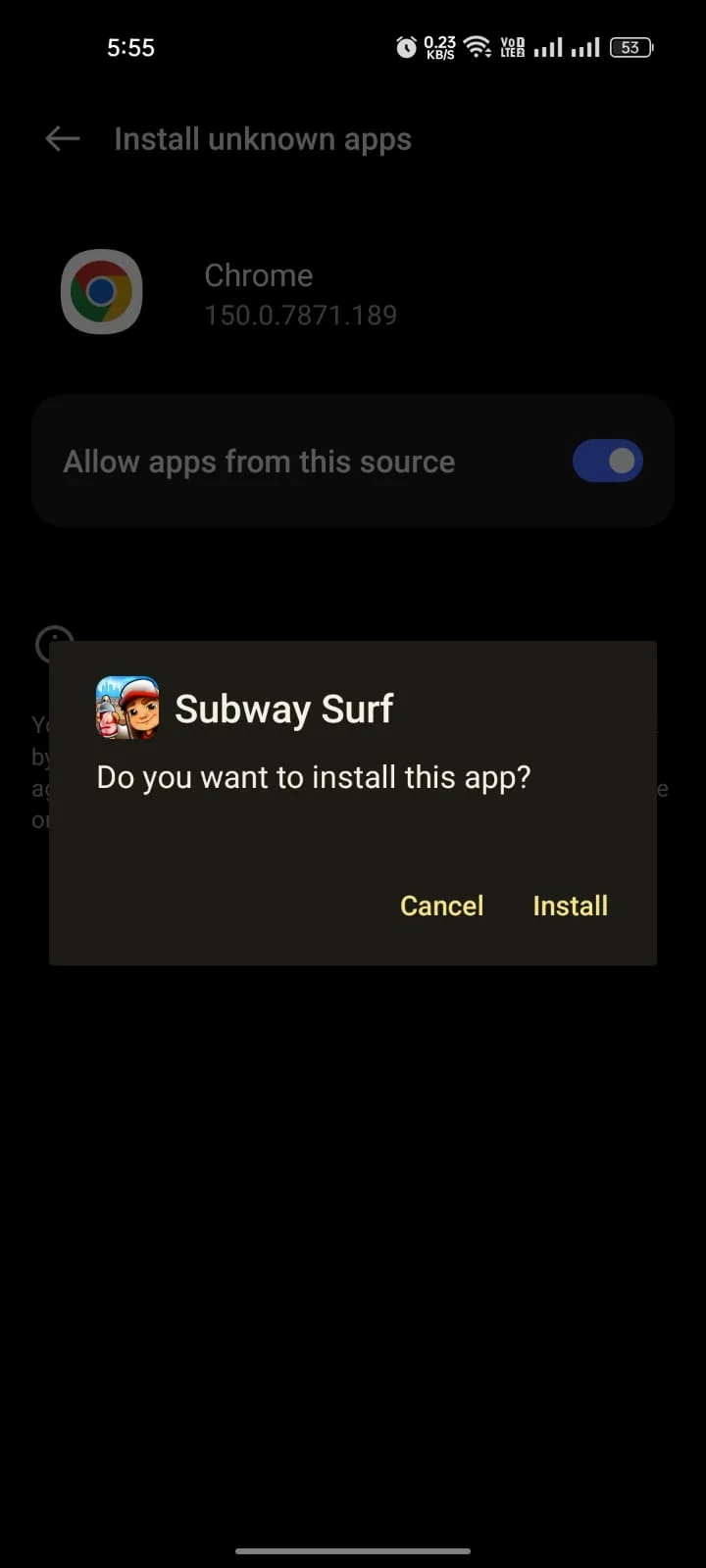
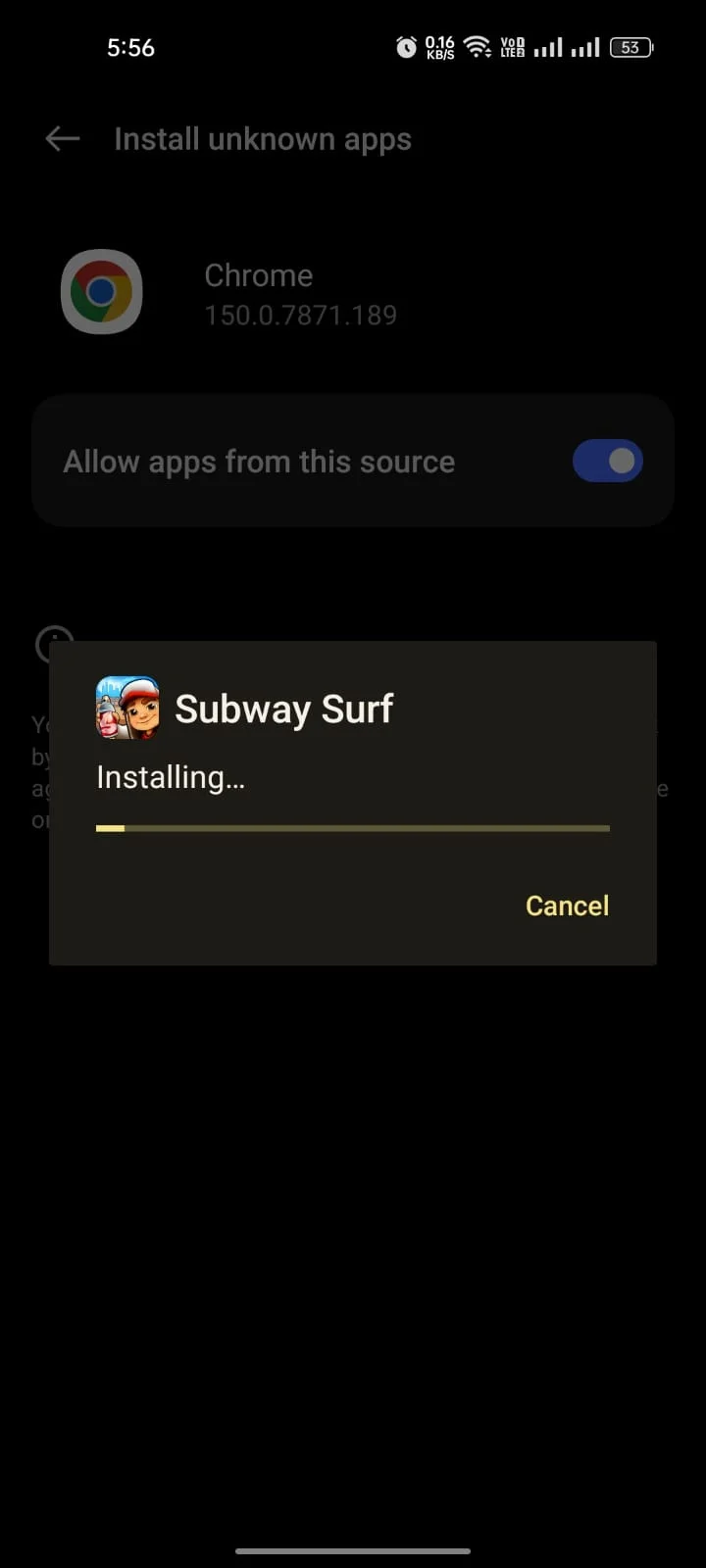
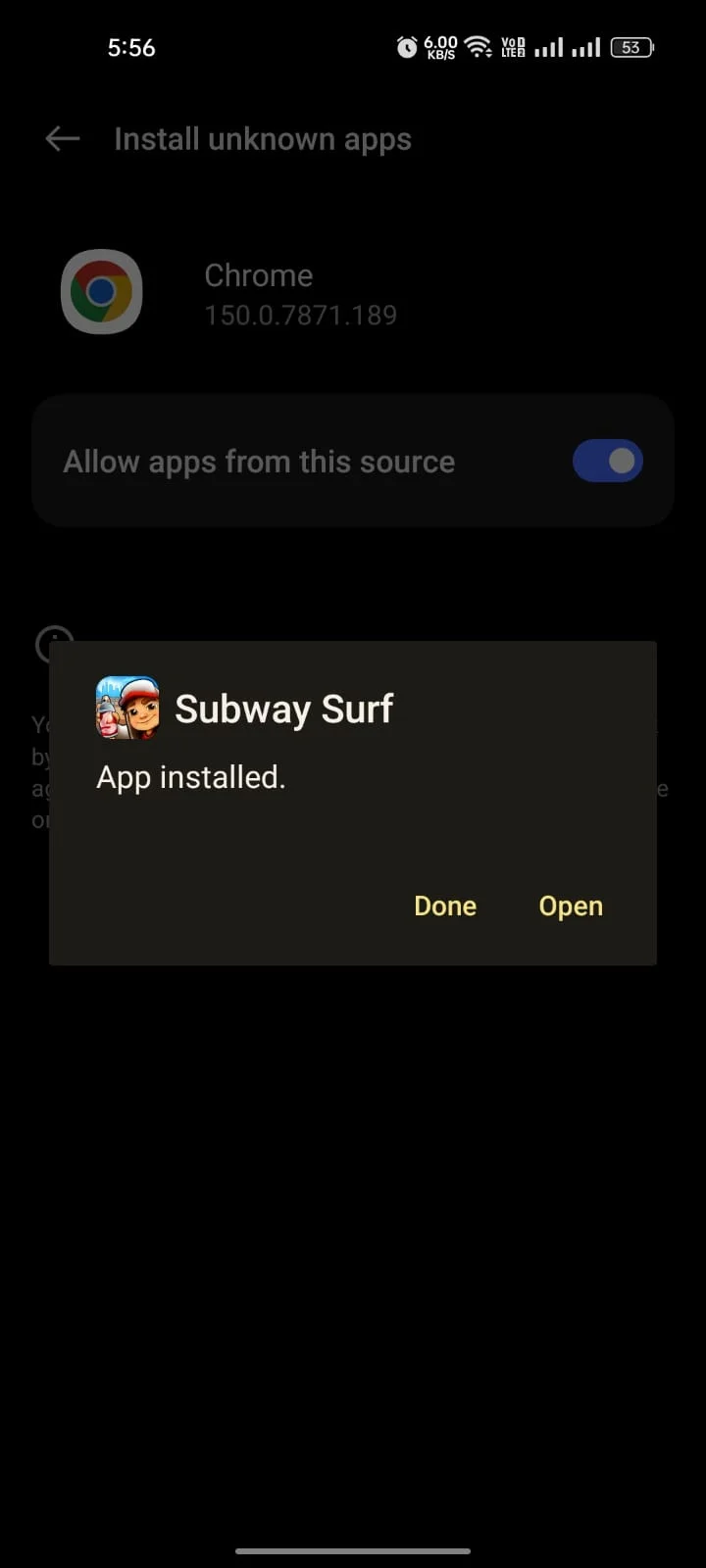
What the Play Protect Prompt Means
Play Protect compares the APK’s signing certificate against the one Google has on record for the official app; because this version carries a different certificate, Protect calls it an unrecognized developer and asks you to confirm before continuing. It’s a certificate check, not a malware finding — a separate mechanism from the “App Not Installed” rule above, which is Android’s installer refusing an update between two different certificates rather than Play Protect warning about one.
Tap Install anyway (sometimes under “More details”) to continue. To confirm you have the exact file, check its SHA-256 against the value published on the Subway Surfers Mod APK page: on Windows run certutil -hashfile file.apk SHA256, on macOS or Linux run shasum -a 256 file.apk.
Platform and Troubleshooting Handoffs
Specific installation scenarios, operating system environments, and technical errors require specialized instructions beyond standard Android sideloading.
Installation Errors & Crash Fixes
For “App Not Installed,” “Parse Error,” or black-screen crashes upon launching.
Facebook Login & Account Sync
Hash key procedures needed to prevent authentication errors on modified packages.
Windows PC & Mac Emulator Setup
Configuring Android virtual environments like BlueStacks 5 or LDPlayer 9.
iOS & iPhone Sideloading
Modified IPA packages signed via AltStore or Sideloadly for Apple devices.
Frame Drop & Low-RAM Optimization
Adjusting system rendering parameters on 2 GB RAM devices for smoother runs.